Introduction
Making pictures on a computer used to be a job for trained designers with pricey software. Artificial intelligence has changed that almost overnight, and plenty of tasks that once took real skill can now be handled by smart tools. The AI image generator sits at the front of that shift. It builds fresh visuals from a typed description, a sample picture or a few creative pointers. A florist can have a sketch for a spring window display before the first customer walks in.
These tools are turning up in marketing, classrooms, publishing, entertainment and hobby projects alike. Knowing how they work, where they help and where they fall short lets people and companies decide sensibly whether to bring them into their own creative work. A little understanding goes a long way.
What Is an AI Image Generator?
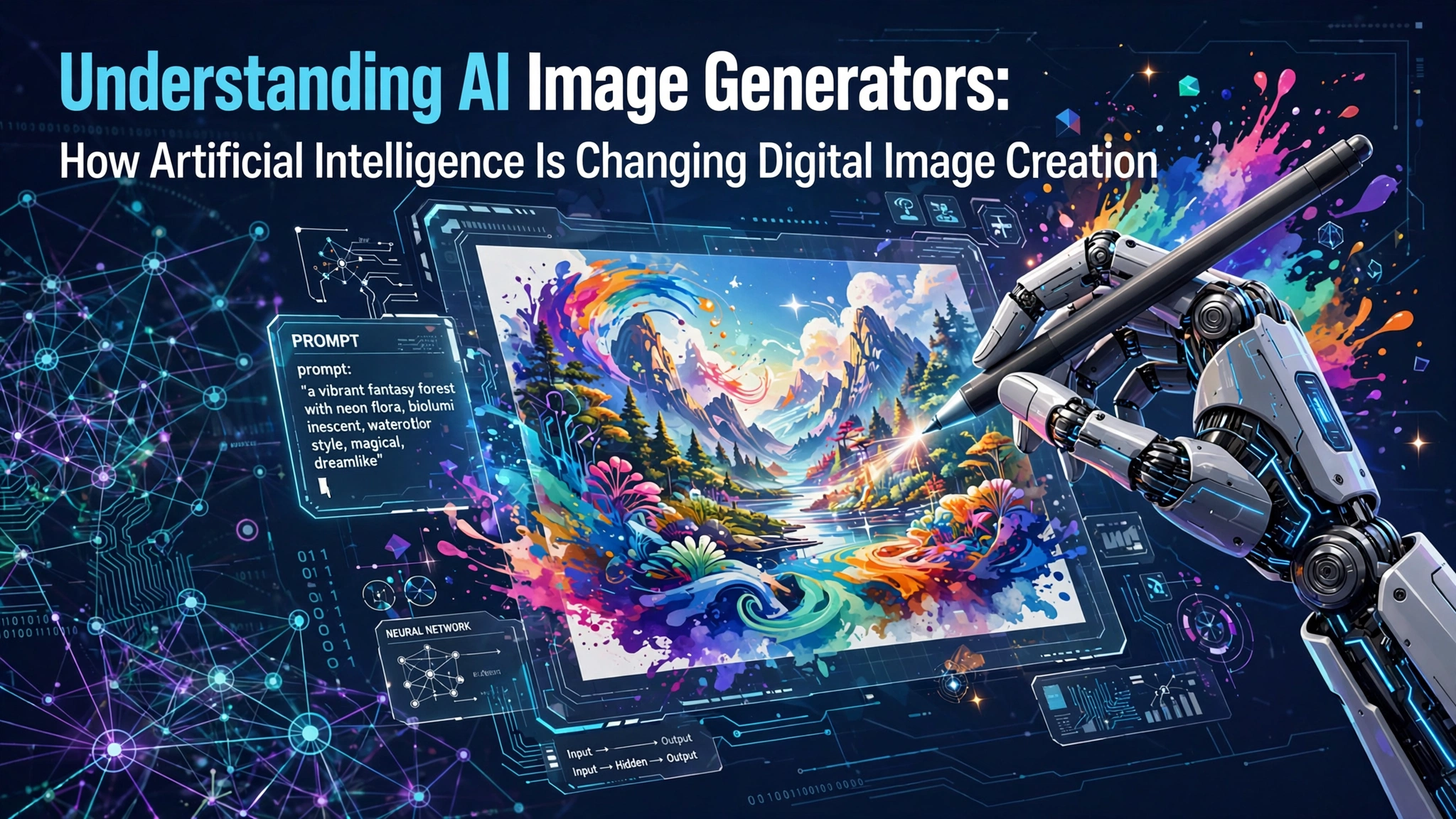
At heart, the tool is a program that draws on machine learning to turn instructions into pictures. Those instructions are usually called prompts. A prompt might set out the subject, the setting, the art style, the light, the colours or any other detail the creator has in mind. It’s rather like briefing an illustrator who never sleeps.
Someone might ask for a drawing of a busy city at dusk, say, or a lifelike photo of snowy peaks. The software reads the request and produces a picture that matches what was asked for. The first result can land in under a minute.
Many tools now go further, offering variations on a picture, background changes, style swaps and quality boosts. That breadth makes them handy for complete beginners and seasoned designers alike. A student and an art director can end up using the same app.
How Does AI Image Generation Work?
Behind the scenes, most of these systems lean on deep learning and huge collections of visual data. While they train, the models pick up how shapes, textures, colours and objects look and how they tend to fit together. Nobody hands them a rulebook. They work it out for themselves.
Diffusion is one of the most popular methods today. The model learns by watching pictures slowly dissolve into random fuzz, then practising how to reverse the process. When it’s time to create, it starts from pure static and cleans it up step by step until something matching the prompt appears. It’s a little like a photo slowly developing in a darkroom tray.
Text-to-image tools also need to understand language. Clever word-processing techniques link descriptive words to the visual ideas they stand for. That’s how “golden hour” ends up meaning warm, low light.
How good the final picture looks comes down to a few things. The strength of the model, how clearly the prompt is written, the settings on offer and the resolution all play a part.
Common Applications of AI Image Generation
Digital Marketing and Advertising
Marketers are always hungry for visuals, whether for social posts, blog headers, adverts or full campaigns. Generated pictures help them sketch out early ideas and test different directions without crafting every piece by hand. A team can compare five moods for a summer sale before lunch.
Education and Learning
Teachers and course writers can use generated pictures to explain tricky ideas, bring past eras to life and liven up lesson materials. A tailored illustration can make a hard topic far easier to grasp. A drawing of a Viking longhouse holds a Year 5 class better than any paragraph.
Graphic Design and Creative Projects
Designers can treat generated pictures as references, rough concept art or a launch pad for bigger work. An ai image generator can help users explore visual ideas through text descriptions and experiment with different creative possibilities.
Even so, the results usually need a bit of polishing before they suit a particular brief. A stray shadow or an odd colour often needs fixing by hand.
Blogging and Online Publishing
Websites lean on pictures to make articles more inviting and better looking overall. Generated visuals can fill the gap when no decent stock photo exists for a topic. A blog about urban beekeeping might struggle to find a stock shot of hives on a London rooftop.
The Importance of Writing Effective Prompts
Much of the quality comes down to the prompt. Vague requests tend to come back as a lucky dip, while detailed ones give the software a clear brief to follow.
A strong prompt usually names the subject, the surroundings, the style, the layout, the light and the mood. Missing any of these leaves the software to guess.
A request for “a garden” might bring back almost anything. A description of a calm botanical garden full of bright flowers, soft morning light, natural textures and a wide-angle view gives the system a far better map to follow. The second version wins nearly every time.
Playing around with wording teaches a lot about how the software reads language and which phrasings give steadier results. A single swapped word can change the whole picture.
Benefits and Limitations of AI-Generated Images
Ease of access is the standout benefit. People with no design training can explore ideas and build visual concepts with nothing more than plain sentences. A retired teacher can design a cover for her book club’s newsletter.
Flexibility is another plus. Creators can try a range of styles, layouts and themes before settling on one. That helps with brainstorming and cuts the time spent on early drafts. Bad ideas get binned quickly, and good ones get a head start.
There is a catch, though. Generated pictures can show warped objects, odd proportions, wrong details or garbled lettering. A shop sign spelled “BAKREY” is a common giveaway. Complicated requests can also drift some way from what the creator actually meant.
Questions around copyright, licensing, privacy and how training data was gathered add another layer. Anyone planning commercial use needs to read the terms and usage rights first. Nobody wants a legal letter over a flyer.
The Future of AI Image Generation
The technology keeps moving forward, with better picture quality, sharper understanding of prompts, stronger editing tools and more creative control. Future versions may deliver steadier results, slot neatly into professional design software and offer better ways to produce tailored visuals.
Human creativity still matters, though. AI can help spark ideas and produce artwork, but people still set the direction, check the details and decide whether a picture says what it needs to say. The machine can draw the picture. Only a person can say whether it’s the right one.
Conclusion
AI image generators are reshaping how pictures get made, putting visual experiments within easy reach and speeding the whole process up. They now play a part in education, marketing, publishing and graphic design. The creative potential is huge, yet knowing their limits and using them responsibly still matters a great deal. Paired with human judgement and a good artistic eye, these tools can help produce pictures that are meaningful, relevant and genuinely effective.